
Less mail.
Easier access.
Go paperless.
View statements anytime online.

Set up your online statements:
Go paperlessSecurely view your statements online, anytime.*
Why wait to get your statements in the mail? You can see them as soon as they’re ready through mobile or online banking!
It’s the fast, safe and easy way to stay on top of your account statements.
With online statements, you can:
- Access up to 24 months of account statements
- Get alerts when your statements are ready for viewing
- Stay organized with all your statements in one place
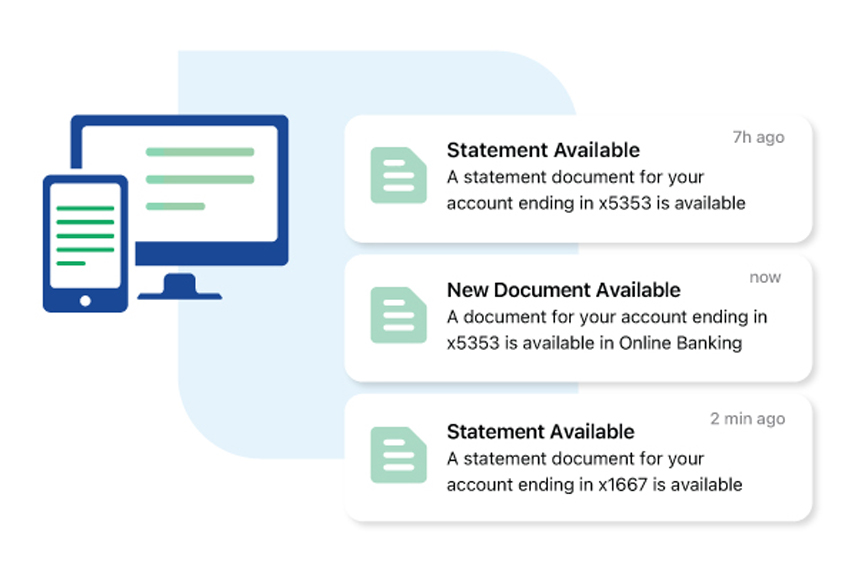
Start getting paperless statements
In the Fifth Third Mobile Banking App:
- Log in and tap the Profile icon in the top left corner.
- Choose "Enrollments."
- Tap "Paperless Statements."
- Check the boxes next to each document you would like to have delivered electronically.
- Tap "Save Changes."
Download the app: 

Online banking:
- Log in now: Go paperless
- Tap the box next to each document you would like to switch to paperless delivery.
- Tap "Save."
FAQs
Additional Resources


Download the app: